
Best AI Blog Writing Tools for Long-Form Content
Independent buying guide. Last updated . How we evaluate →
Part of our AI Content guide
Judge AI blog writing tools on research, sourcing and how much editing a draft needs, not on how many words they generate. Claude and ChatGPT suit source-grounded drafting, Surfer and Frase suit search-led posts, and Jasper suits teams that need one voice.
What's the quick answer on AI blog writing tools?
The best AI blog writing tools cut editing time per publishable article, not the ones that write the most words. Pick by workflow: a general assistant, an SEO editor or a brand platform.
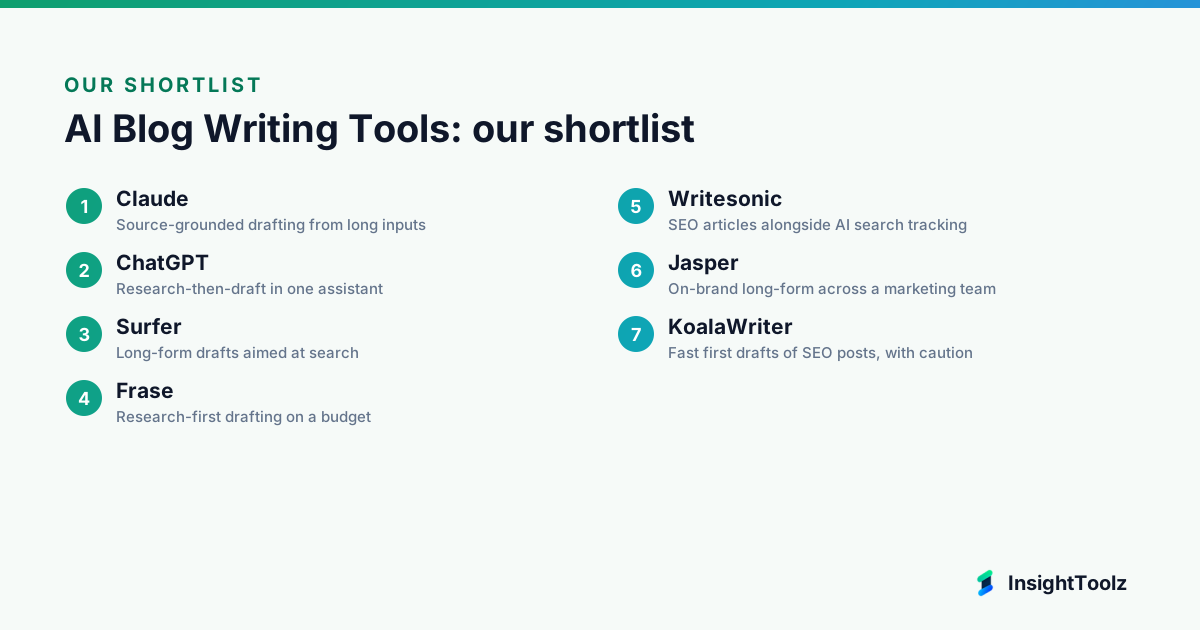
- Best for source-grounded drafting: Claude, from $20 a month (Pro, billed monthly; checked 8 November 2026).
- Best for research and drafting in one assistant: ChatGPT, from $8 a month (Go; checked 8 November 2026).
- Best for search-led long-form: Surfer, from $49 a month billed yearly (Discovery; checked 8 November 2026).
- Best for one voice across writers: Jasper, from $59 per seat a month billed annually (Pro; checked 8 November 2026).
- Best for cheap volume drafts: KoalaWriter, from $25 a month (Starter; checked 8 November 2026), if you rewrite heavily.
What is an AI blog writing tool?
An AI blog writing tool is software that uses a language model to research, outline and draft long-form articles from a brief or keyword. The good ones keep the evidence trail visible, so an editor can check every claim before it ships.
- Brief: you supply the topic, audience, intent and, ideally, your own sources.
- Research: the tool browses the web, reads uploaded files or studies the ranking pages.
- Outline and draft: it proposes a structure, then writes section by section.
- Optimize: SEO editors score the draft against search results; assistants leave this to you.
- Edit and publish: a person fact checks, adds expertise and exports to the CMS.
This page sits within the AI content software hub.
How do the AI blog writing tools compare at a glance?
The table compares best use, pricing model and one material limit. All prices were read from official pricing pages on 8 November 2026.
| Tool | Best for | Pricing model | One material limit | Official link |
|---|---|---|---|---|
| Claude | Source-grounded drafts from long inputs | Free; Pro $17/month annual or $20 monthly; Max from $100/month | No SEO scoring or CMS export | claude.com |
| ChatGPT | Research and draft in one assistant | Free; Go $8/month; Plus $20/month; Pro from $100/month | Per-plan search access unclear on pricing page | chatgpt.com |
| Surfer | Search-led long-form | Discovery $49/month, Standard $99/month (billed yearly) | Score is not a fact check | surfer.ai |
| Frase | Research-first drafting on a budget | Starter $39/month, Professional $103/month (billed yearly); 7-day trial | SERP research isn't verification | frase.io |
| Jasper | On-brand long-form for teams | Pro $59/seat/month annual or $69 monthly; Business by quote | Seat cost for small teams | jasper.ai |
| Writesonic | SEO articles plus AI search tracking | Starter $79/month, Basic $199/month (billed annually) | Volume incentive | writesonic.com |
| KoalaWriter | Fast SEO first drafts | Free 5,000 words; Starter $25/month; Professional $49/month | Thin-content risk at scale | koala.sh |
What makes a great AI blog writing tool?
A great AI blog writing tool makes the draft easy to verify and cheap to edit. Our criteria are research-based, drawn from official sites and pricing pages, not from product testing.
- Research workflow: how the tool finds sources and shows them to you.
- Factual sourcing: whether claims can be traced back to a page you can open.
- Outline control: whether you can set the structure before drafting starts.
- Brand voice: whether style rules can be stored once and reused.
- CMS export: whether drafts reach WordPress or Google Docs cleanly.
- Editing effort: how much rewriting a typical draft is likely to need.
- Price clarity: whether plans and limits are published plainly.
Which AI blog writing tools are best for source-grounded drafting?
Claude and ChatGPT are the strongest picks when you draft from your own interviews, reports and briefs. Neither scores SEO or publishes to a CMS, so pair them with an optimization step.
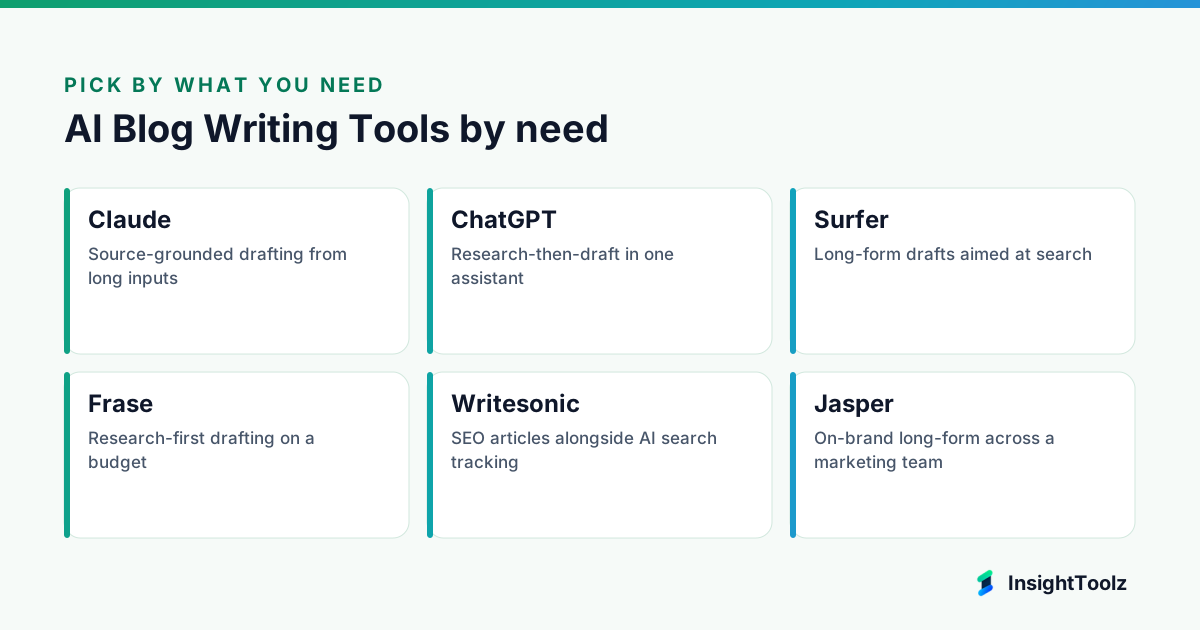
1. Claude: best for source-grounded drafting from long inputs
Claude is a general AI assistant made by Anthropic. Writers use it to turn long source material into a structured draft that stays inside that material.
What it does well: it keeps long, multi-constraint briefs coherent across a full article. Projects let you store voice rules and source files once, and paid plans add a deeper Research feature.
Key features:
- Web search on every plan, per the pricing page (checked 8 November 2026).
- Research on paid plans only (same page).
- Projects that hold source files and standing instructions.
- On paid plans, project knowledge extends beyond normal context limits using retrieval (checked 4 November 2026).
Pricing: the pricing page lists Free, Pro at $17 a month billed annually or $20 monthly, Max from $100 a month, and Team standard seats at $20 per seat a month annually or $25 monthly (checked 8 November 2026).
Best for: writers who draft from interviews, reports and detailed briefs.
Limitations: no SEO scoring or CMS publishing, so it needs a separate optimization and export step. Skip it if you want keyword guidance and one-click WordPress publishing in the same tool.
2. ChatGPT: best for research-then-draft in one assistant
ChatGPT is OpenAI's general AI assistant. It handles web research, file uploads and drafting in one place, which suits teams that don't want to switch tools.
What it does well: breadth, and many teams already have seats. Its low-cost Go plan makes it an easy second assistant for occasional drafting.
Key features:
- Long-form drafting from a prompt or brief.
- Web search, listed as a capability on the pricing page, though per-plan access isn't made clear (checked 8 November 2026).
- File analysis for uploaded reports and notes.
- A Business plan for teams of 2 or more users.
Pricing: the pricing page lists Free, Go at $8 a month, Plus at $20 a month, Pro from $100 a month, and Business at $20 per user a month annually or $25 monthly (checked 8 November 2026).
Best for: teams that want research, file analysis and drafting without switching tools.
Limitations: drafts lean generic without strong examples, and research summaries still need source checks. Skip it if you need enforced brand rules across many writers.
Which AI blog writing tools are best for search-led posts?
Surfer, Frase and Writesonic draft with search results in view. That speeds up the SEO pass, but a content score never replaces a fact check.
3. Surfer: best for long-form drafts aimed at search
Surfer is an SEO content platform built around a content editor. The editor compares your draft's structure, terms and length with top-ranking pages for the target query.
What it does well: optimization and drafting share one window, which shortens the SEO pass. Higher plans connect to Google Docs and WordPress.
Key features:
- SERP-based content guidelines.
- AI article drafting inside the editor.
- Content scoring against ranking pages.
- Google Docs and WordPress integrations from Standard up.
Pricing: the pricing page lists Discovery at $49, Standard at $99, Pro at $182 and Peace of Mind at $299 a month billed yearly (checked 8 November 2026).
Best for: SEO content teams who want drafts generated and scored against ranking pages.
Limitations: a high score is not a fact check, and drafts can mirror competitors' structure. Skip it if your posts are thought leadership rather than search-led.
4. Frase: best for research-first drafting on a budget
Frase is an SEO research and writing platform for small content teams. It now pairs drafting with SEO and GEO scores and AI visibility tracking.
What it does well: the research step comes before drafting by design. Its entry plan is cheaper than most SEO editors and includes a set number of articles.
Key features:
- SERP research before drafting.
- AI drafting, with Starter including 10 articles a month.
- SEO and GEO scores.
- AI visibility tracking on ChatGPT and Google AI.
Pricing: the pricing page lists Starter at $39, Professional at $103 and Scale at $239 a month billed yearly, with a 7-day free trial (checked 8 November 2026).
Best for: small teams who want research, outline and draft in one inexpensive tool.
Limitations: SERP research isn't source verification, so facts still need primary sources. Skip it if you don't write for search at all.
5. Writesonic: best for SEO articles alongside AI search tracking
Writesonic is an AI content and search visibility platform. It now leads with monitoring of AI search answers, with SEO article generation alongside.
What it does well: one vendor covers content and AI search monitoring. Each plan states a monthly article allowance, so volume is easy to plan.
Key features:
- SEO article generation, with 15, 25 or 50 AI articles a month by plan.
- A WordPress integration.
- AI visibility tracking across ChatGPT, Gemini and Google AI Overviews.
- Brand writing styles and site audits.
Pricing: the pricing page lists Starter at $79, Basic at $199 and Growth at $399 a month billed annually (checked 8 November 2026).
Best for: SEO teams that want article generation tied to AI search monitoring.
Limitations: article allowances make it easy to optimize for volume rather than quality. Skip it if you just need a drafting assistant.
Which AI blog writing tools are best for brand voice or fast volume?
Jasper suits teams where many writers must sound alike, while KoalaWriter suits solo owners who need fast drafts. They sit at opposite ends of the governance scale.
6. Jasper: best for on-brand long-form across a marketing team
Jasper is an AI content platform built for marketing teams. It stores brand voices and company knowledge centrally and applies them to every draft.
What it does well: voice consistency without each writer maintaining prompts. Articles start from the same approved context.
Key features:
- Brand Voices, with 2 included on Pro.
- Knowledge assets, with 5 included on Pro.
- Long-form drafting and marketing agents.
- Team collaboration, with custom Business plans.
Pricing: the pricing page lists Pro at $59 per seat a month billed annually or $69 monthly, a 7-day free trial and custom Business pricing (checked 8 November 2026).
Best for: in-house teams where several writers produce articles in one voice.
Limitations: seat cost adds up, and brand voice doesn't make facts accurate. Skip it if one person writes the blog.
7. KoalaWriter: best for fast first drafts of SEO posts, with caution
KoalaWriter is a keyword-to-article generator from Koala. It writes full SEO blog posts from a keyword and can publish them to your CMS.
What it does well: a very fast path from keyword to formatted draft. It also places internal links automatically.
Key features:
- Keyword-to-article generation.
- Automatic internal linking.
- Publishing to WordPress, Shopify, Webflow and Ghost.
- A free allowance of 5,000 words.
Pricing: the pricing page lists 5,000 free words, Starter at $25 a month for 45,000 words and Professional at $49 for 100,000 words (checked 8 November 2026).
Best for: solo site owners who need quick SEO drafts and will edit them heavily.
Limitations: keyword-to-publish speed invites thin, duplicate content at scale. Skip it if you publish under a brand that depends on expertise and trust.
What do AI blog writing tools cost for a team of 3, 5 or 10?
For seat-priced tools, team cost is the seat price times the number of writers. The table is our arithmetic from published annual prices checked on 8 November 2026, not a vendor quote.
| Plan | Per seat (annual) | 3 writers | 5 writers | 10 writers |
|---|---|---|---|---|
| Claude Team (standard) | $20 | $60 | $100 | $200 |
| ChatGPT Business | $20 | $60 | $100 | $200 |
| Jasper Pro | $59 | $177 | $295 | $590 |
| Jasper Business | Quote only | Quote only | Quote only | Quote only |
Surfer, Frase, Writesonic and KoalaWriter price by plan rather than seat, so check user limits on their pricing pages.
Which AI blog writing tool should you use?
Pick a general assistant for source-grounded drafting, an SEO editor for search-led posts, or a brand platform if several writers need one voice. The order below follows our criteria, not payment.
- You draft from interviews, reports and long briefs: Claude.
- You want research and drafting in one assistant: ChatGPT.
- You write search-led long-form: Surfer, or Frase on a tighter budget. Pair either with a content optimization tool review.
- You need one voice across a team: Jasper.
- You want SEO articles tied to AI search monitoring: Writesonic.
- You need fast first drafts you'll rewrite heavily: KoalaWriter.
- You're building briefs first: see our guide to AI content brief tools.
What's the difference between research mode and drafting mode?
Research mode gathers and summarizes sources before writing; drafting mode turns a brief into prose. Long-form quality depends mostly on the research stage, so check how each tool finds, shows and lets you verify sources.
General assistants increasingly separate the two: a deeper research feature that browses and cites, and ordinary chat that drafts from what you supply. SEO tools research the SERP rather than the topic, which tells you what ranks, not what's true.
Keyword-to-article generators often blend both in one click. That's fast, but it hides the evidence trail.
What are the hallucination and duplication risks?
The two big risks are confident false statements and content that closely resembles what's already ranking. Both scale with output, so the faster a tool publishes, the more editing discipline you need.
- Hallucinated facts: invented statistics, product features or quotes, often phrased with precision.
- Fake or mismatched citations: real-looking links that don't support the claim, or don't exist.
- Duplication: outlines and phrasing that mirror competitors, or your own earlier posts.
- Stale information: outdated pricing or features presented as current.
No vendor page we reviewed publishes an error rate for its own drafts. Our guide to evaluating AI content quality has a scoring rubric for checking drafts.
What editorial workflow keeps AI blog posts publishable?
Use a fixed sequence: brief, research, draft, fact check, expert pass, SEO pass, then final edit and CMS QA. Each step has an owner, and nothing publishes without a named editor's sign-off.
The expert pass is where a subject expert adds what no tool can: real examples, judgment and first-hand detail. The CMS QA step checks headings, links and formatting after export, because imports often break.
If you're choosing where the posts live, see our guide to CMS platforms for growing marketing teams. Roles and handoffs are set out in our AI content workflow guide.
What does a publishable AI-assisted article really cost?
Cost per publishable article is the tool subscription plus editing time, divided by articles that actually ship. In most scenarios editing time, not the subscription, is the larger number.
A hypothetical example: one writer on a $20 monthly assistant plan, the monthly price of both Claude Pro and ChatGPT Plus (checked 8 November 2026), ships eight articles a month.
Assume two hours of editing per article at an assumed internal cost of $50 an hour. Editing is $800 and the tool $20, so each article costs about $102.50. Our AI content tool pricing guide models costs across vendors.
What is the bottom line on AI blog writing tools?
Choose the tool that produces the most verifiable draft for your editing time, not the longest one. Claude or ChatGPT suit source-grounded drafting, Surfer or Frase suit search-led posts, and Jasper suits teams that need one voice.
Next steps: run one real brief through two shortlisted tools and count factual fixes and edit minutes; read the pillar guide to AI writing tools for marketing teams; then browse the AI content software hub for the rest of your stack.
What else do content leads ask about AI blog writing?
These questions come from teams moving long-form work onto AI tools. The answers favor caution, because long articles carry the most factual risk.
Can AI blog tools cite sources accurately?
Some attach citations, but a citation can still be wrong, outdated or unrelated to the claim. An editor should open every cited source and confirm it supports the sentence it sits next to.
Is it safe to publish AI-drafted articles at volume?
Volume is the risk, not the tool. Publishing many lightly edited, similar articles invites thin and duplicate content, so cap output at what your editors can genuinely review.
Which matters more, research mode or drafting quality?
For long-form, research usually matters more. A fluent draft built on weak research needs a rewrite, while a plain draft built on verified sources needs only editing.
Do AI blog tools publish directly to a CMS?
Some offer WordPress or Google Docs export, while general assistants usually need copy and paste. Check formatting, headings, links and image handling in a trial before relying on any export.
How often do AI blog tools invent facts or citations?
Often enough that every long-form draft needs a full fact check. No vendor page we reviewed publishes an error rate for its own drafts, so treat output as unverified until an editor has checked it.
Keep reading
All AI Content guides → Best of
Best AI Video Editing Tools for Marketing Teams
Compare AI video editing tools for marketing teams: captions, clipping, brand kits, export limits, seat versus credit pricing and commercial-use…
Read guide → Best of
Best AI Presentation Tools for Sales and Marketing Teams
AI presentation tools for sales and marketing teams compared on prompt-to-deck generation, brand templates, imports, export fidelity and presenter…
Read guide → Comparison
ChatGPT vs Claude for Marketing Workflows
ChatGPT vs Claude for marketing, compared by job: research, drafting, data, images, files, collaboration, plan costs and data policies, with dated…
Read comparison →